
Detect Nano Banana 2 Images on iPhone using Slop Or Not
Detect Nano Banana 2 images on iPhone with Slop Or Not - fast, private, and accurate. Google's Nano Banana 2 release has produced AI images convincing enough to slip past careful viewers, and they are already spreading through ads, news, and social feeds. Slop Or Not checks them on your iPhone or Mac without uploading anything. All detection runs on-device, so the image stays where you put it.
If the image is already on a non-Apple computer, try the online AI image detector. It processes the photo on Numen's private Mac server rather than an outside AI company's. For a Google-specific check that reads SynthID watermark signals first, use the Gemini image detector.
What Is Nano Banana 2
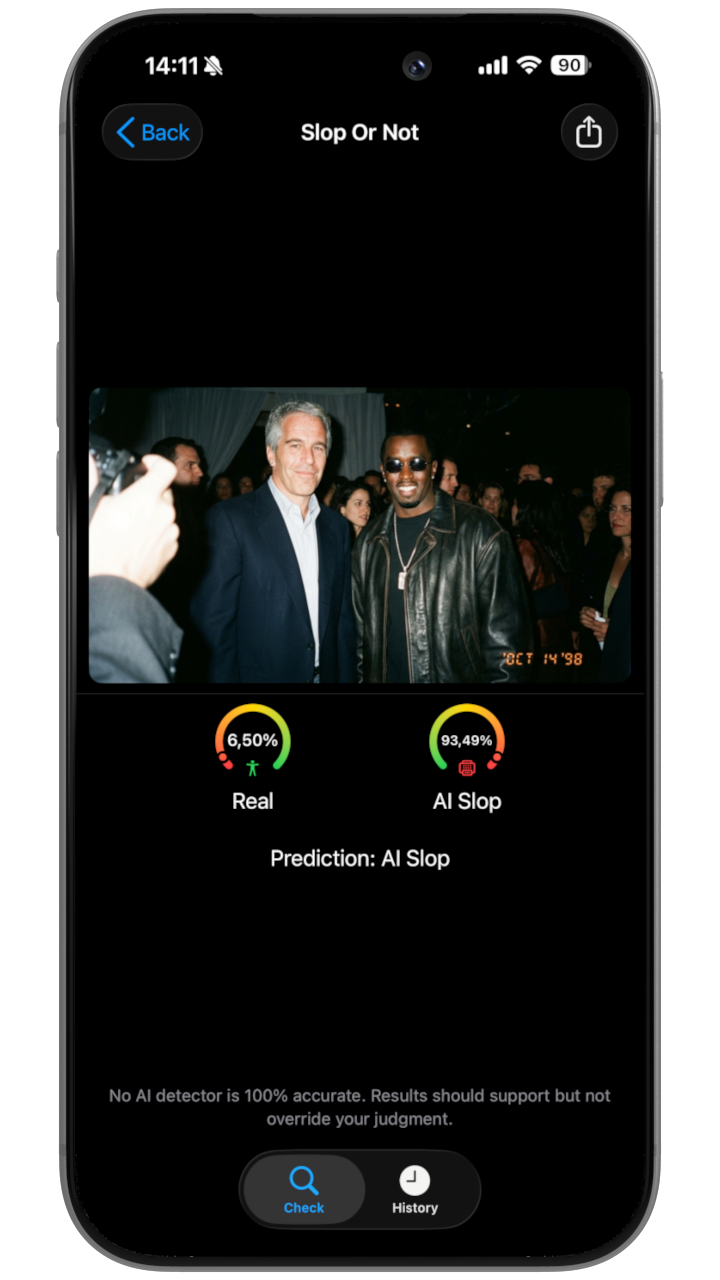
Nano Banana 2 is Google's latest image-generation model, surfaced through user posts on X before its broader release. It produces images at high resolution and is notable for the kind of detail that earlier models struggled with - readable clock faces, filled wine glasses, charts with consistent math, and multi-angle scenes that stay coherent. The flip side is that AI images are now harder to flag at a glance, which makes them easier to slip into product listings, news pages, and social posts.
A scrolling feed of product photos and friend pics now contains some images that were never taken with a camera. An AI content detector lets you check the ones that look off without leaving the device.
How Slop Or Not Detects Nano Banana 2 Images
Slop Or Not checks SynthID first for Nano Banana 2 images, then reads C2PA or IPTC metadata when the file carries those fields. SynthID is embedded into the image, so it is not easily removed by screenshots or ordinary sharing. You can also check a file for SynthID in the browser with the SynthID detector page. When no readable watermark or metadata remains, the on-device image detector takes over. Slop Or Not reports 100 percent accuracy on watermarked AI images and 90 percent accuracy on non-watermarked AI images based on internal testing. Accuracy varies with new AI models and methods designed to trick detectors, so treat any verdict as a strong prompt for review rather than a final ruling.
The detection models are built on Apple's CoreML and run locally. No content leaves your device. The models are trained to flag the visual signals AI image generators leave behind - pixel-group artifacts, lighting that is too uniform, geometry that is too clean - and Nano Banana 2 outputs share many of those patterns even at high resolution.
The cloud is skipped entirely, so legal documents and personal photos never reach an external server. That part is the difference between an authenticity check you can run and one you have to think twice about before opening.
How to Check Nano Banana 2 Content Easily
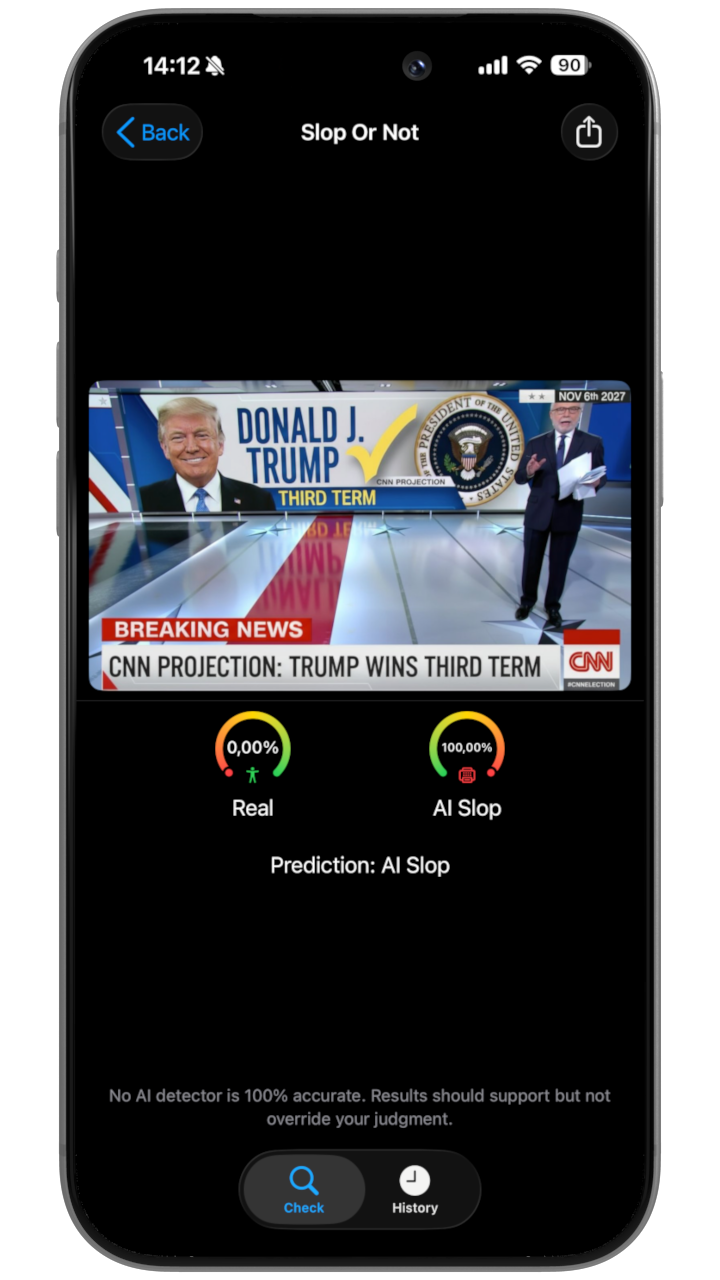
- Share an image to Slop Or Not.
- The app analyzes it immediately and shows a clear score.
- It works anywhere, even offline.
We constantly update our models to handle new AI image generation tools like Nano Banana 2.
Why Choose Slop Or Not Over Cloud AI Detectors
Slop or Not is the world's first and only on-device AI content detector. Cloud detectors upload your files to a remote service before returning a result; Slop Or Not keeps everything local. Start free with 3 checks a day, or go Pro to remove the daily check cap. The same private workflow fits students checking essays, shoppers vetting reviews, journalists evaluating images, and anyone who needs an authenticity answer without uploading the source.
Nano Banana 2 raised the floor for AI image quality. For a quick browser check, use the Gemini AI image detector page. For private checks on Apple devices, download Slop or Not free and run your first scan in the app.